
Let’s be honest—winter golf can feel a little… rude.
Just when your swing is feeling good, the courses close and your clubs start collecting dust.
Enter: the golf simulator 🙌
Not just a “hit balls and hope for the best” situation—simulators are actually one of the best tools for improving your game when you practice with intention.
Whether you’re trying to shave strokes, dial in consistency, or just keep your swing feeling fresh, here are 4 highly effective drills you can practice on a golf simulator—and exactly why they work.
1. Short Game Distance Control Drill
(Because this is where strokes are really lost)
Most simulators allow you to hit approach shots from specific yardages—this is gold for short game practice.
How to do it:
- Choose a distance between 30–80 yards
- Hit 5–10 shots with the same club
- Focus on landing the ball within a tight target zone
Why it works:
Short game is all about feel, and simulators give instant feedback on carry distance, launch angle, and dispersion. You’ll start to build confidence knowing exactly how far your clubs go—no guessing required.
💡 Pro tip: Practice three different swing lengths with the same club (½, ¾, full) to build touch.
2. Tempo & Rhythm Drill
(Smooth > fast, always)
One of the most underrated benefits of simulator practice is tempo feedback.
How to do it:
- Use a mid-iron
- Focus on making swings that feel smooth and controlled
- Compare swing tempo and club speed between shots
Why it works:
Many golfers swing harder than they need to—especially under pressure. Practicing tempo helps you groove a repeatable swing that holds up when it matters.
⏱️ Reminder: A controlled swing almost always produces better contact (and more distance) than trying to crush it.
3. Accuracy & Fairway Finder Drill
(For when “somewhere over there” isn’t good enough)
This drill is perfect if your goal is hitting more fairways and greens.
How to do it:
- Pick a virtual fairway or target line
- Hit 10 shots with your driver or hybrid
- Track dispersion and consistency
Why it works:
Simulators give precise data on shot direction and miss patterns—something you can’t always see outdoors. You’ll quickly learn whether your common miss is left, right, or long, and can adjust accordingly.
📊 Bonus: This drill is especially helpful before league play or the upcoming season.
4. Course Simulation Strategy Drill
(Practice like you play)
Instead of randomly hitting balls, use the simulator to play a virtual round.
How to do it:
- Choose a course
- Play each shot intentionally
- Stick to one ball (no mulligans… yes, we said it 😅)
Why it works:
This helps with course management, decision-making, and mental focus—skills that often get overlooked in practice but make a huge difference on the course.
🧠 Think ahead: Club choice, shot shape, and risk vs. reward.
Why Practice on a Golf Simulator at Stone Tree?
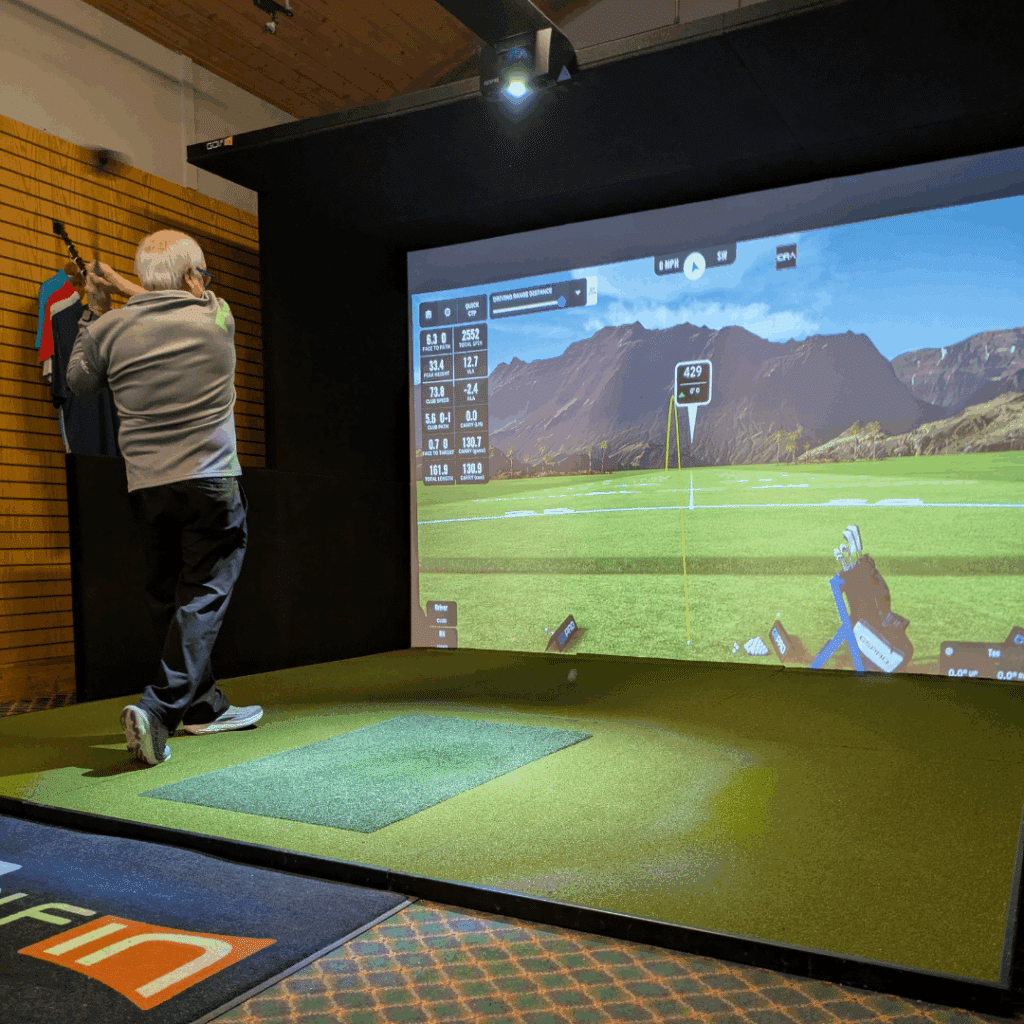
At Stone Tree Golf & Fitness, our indoor golf simulator lets you:
- Practice year-round (no weather excuses)
- Get instant feedback on every shot
- Train smarter—not just longer
Whether you’re working on your short game, dialing in accuracy, or just keeping your swing sharp over the winter, simulator practice is one of the most effective ways to improve.
Ready to Level Up Your Game?
Book a simulator session at Stone Tree and turn the off-season into your secret advantage for next year ⛳
Call the Pro Shop at 519 376 7899 ext 110 to book.
Your future golf scorecard will thank you.